
For: Payroll officer
Payroll officer
Paying staff each month: payslips, PAYE and SSNIT, and marking the month paid.
Before the first payroll
A member of staff can only be paid through payroll once their record has a salary and their bank or Mobile Money details. The HR manager’s home screen lists anyone still missing them — ask HR to complete those records first.
PAYE bands and the SSNIT rates are set in Tax & Deductions, starting from the official Ghana figures. Change them only when GRA or SSNIT announce new ones.
Run the month’s payroll
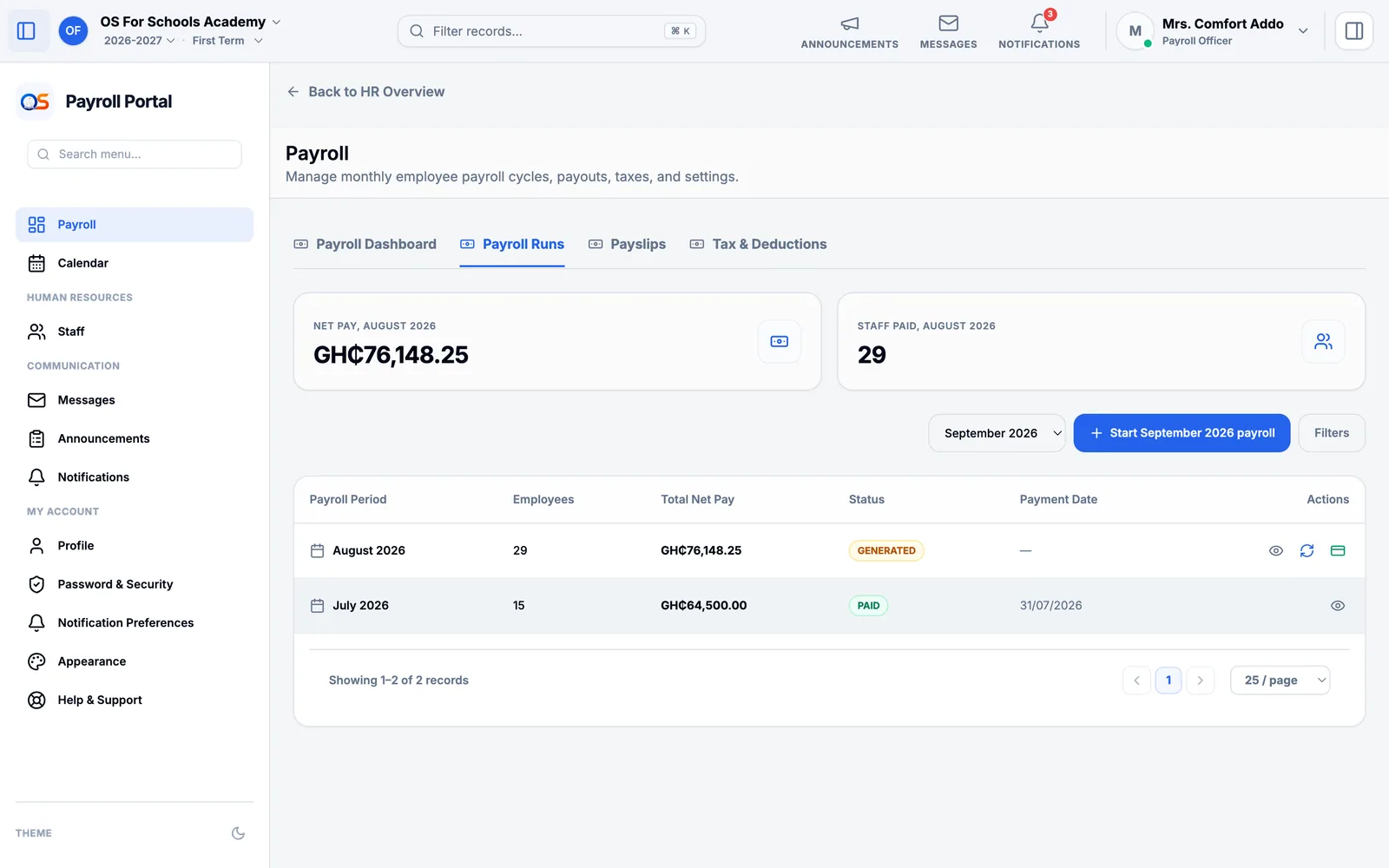
Open Payroll, then Payroll Runs, and press Start … payroll for the month — it offers this month first, and next month to prepare it. The new run opens.
Generate the payslips from it. Each one shows the basic salary, allowances, PAYE, SSNIT and any other deductions, and the net pay.
Check them in Payslips — a new member of staff, a salary change, someone who left — and approve them.
When the salaries have been paid, press Mark Paid on the run. Staff can then open their own payslip.
PAYE and SSNIT
PAYE is due to GRA by the 15th of the next month, and SSNIT contributions by the 14th. The payroll run shows what is owed to each; record the payment and its reference when you pay. Until then, the home screens of the owner and HR show the payment as due, and then as late.