
For: Shop officer, Shop attendant
School shop
Selling books, uniforms and stationery to pupils, the stock, and each class’s book list.
Sell to a pupil
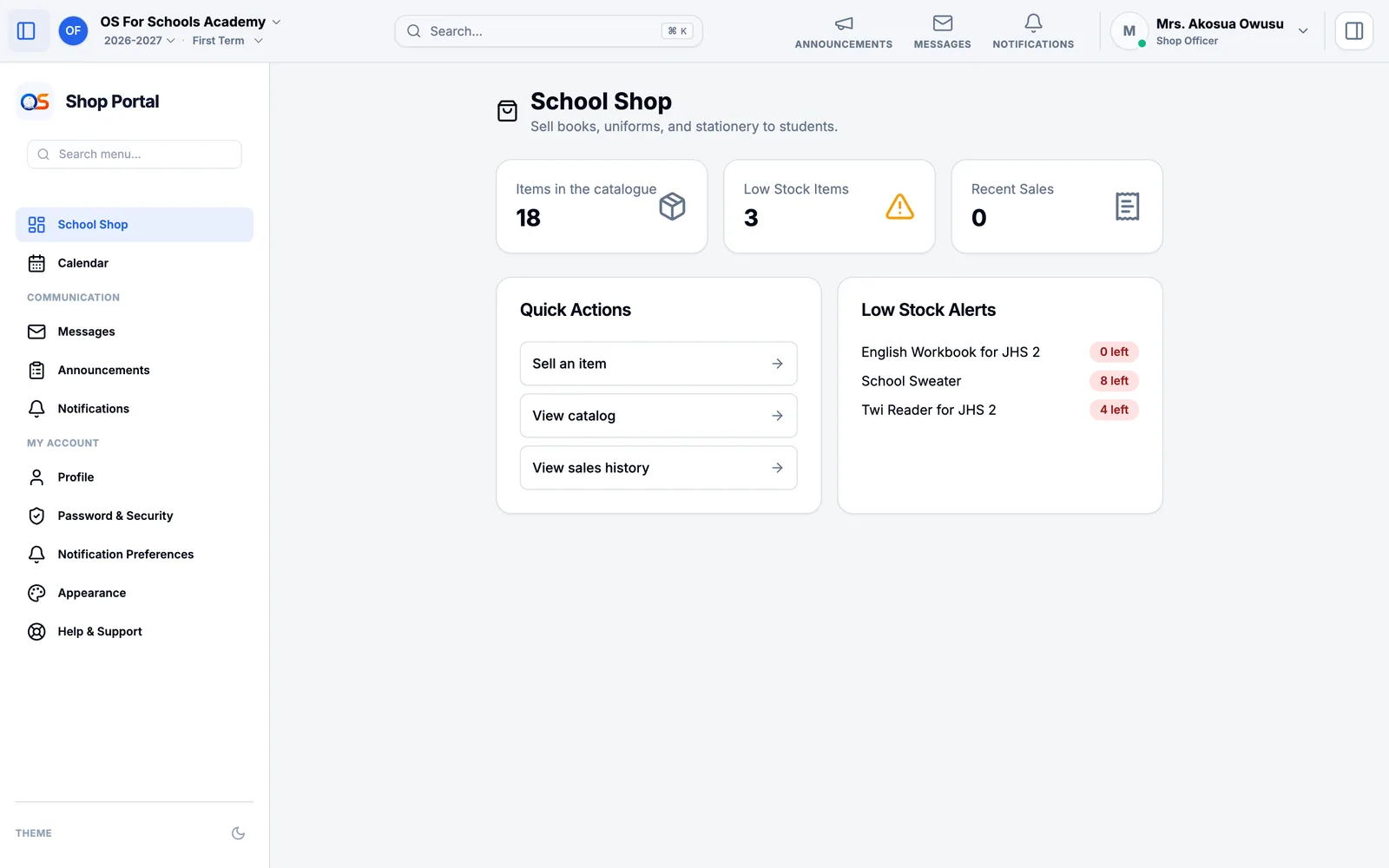
Open School Shop and press Sell an item.
Find the pupil by name or admission number. Their class’s book list is added for you — except books they have already bought from the shop, and anything out of stock.
Add anything else from the catalogue, and who paid if it was not the pupil.
Press Complete Sale. The sale is charged to the pupil’s account in the same way as school fees, and the parent sees it with their fees.
Items and stock
Items lists everything the shop sells with its price and how many are left; Low Stock warns you before something runs out. Record new stock when it arrives. For each item you can say which classes need it — that is the class’s book list.